

Again one of these things that maybe 100 other people will ever need to do in their lives. In case you are one of us though here is a short convenient Python class that will make your life easier 😀
EDIT: This script is now part of a package available through pip, so you can plot your coordinate system even faster! Details in this post.
import numpy as np
import matplotlib.pyplot as plt
from mpl_toolkits.axisartist import SubplotZero

class Axes():

    def __init__(self, xlim=(-5,5), ylim=(-5,5), figsize=(12,5)):
        self.xlim = xlim
        self.ylim = ylim
        self.figsize  = figsize
        self.__scale_arrows__()

    def __drawArrow__(self, x, y, dx, dy, width, length):
        plt.arrow(
            x, y, dx, dy,
            color       = 'k',
            clip_on     = False,
            head_width  = self.head_width,
            head_length = self.head_length
        )

    def __scale_arrows__(self):
        """ Make the arrows look good regardless of the axis limits """
        xrange = self.xlim[1] - self.xlim[0]
        yrange = self.ylim[1] - self.ylim[0]

        self.head_width  = min(xrange/30, 0.25)
        self.head_length = min(yrange/30, 0.3)

    def __drawAxis__(self):
        """
        Draws the 2D cartesian axis
        """
        # A subplot with two additional axis, "xzero" and "yzero"
        # corresponding to the cartesian axis
        ax = SubplotZero(self.fig, 1, 1, 1)
        self.fig.add_subplot(ax)

        # make xzero axis (horizontal axis line through y=0) visible.
        for axis in ["xzero","yzero"]:
            ax.axis[axis].set_visible(True)
        # make the other axis (left, bottom, top, right) invisible
        for n in ["left", "right", "bottom", "top"]:
            ax.axis[n].set_visible(False)

        # Plot limits
        plt.xlim(self.xlim)
        plt.ylim(self.ylim)

        # Draw the arrows
        self.__drawArrow__(self.xlim[1], 0, 0.01, 0, 0.3, 0.2) # x-axis arrow
        self.__drawArrow__(0, self.ylim[1], 0, 0.01, 0.2, 0.3) # y-axis arrow


    def draw(self):
        # First draw the axis
        self.fig = plt.figure(figsize=self.figsize)
        self.__drawAxis__()


#--------------------------------------------------------
# Main Code
#--------------------------------------------------------
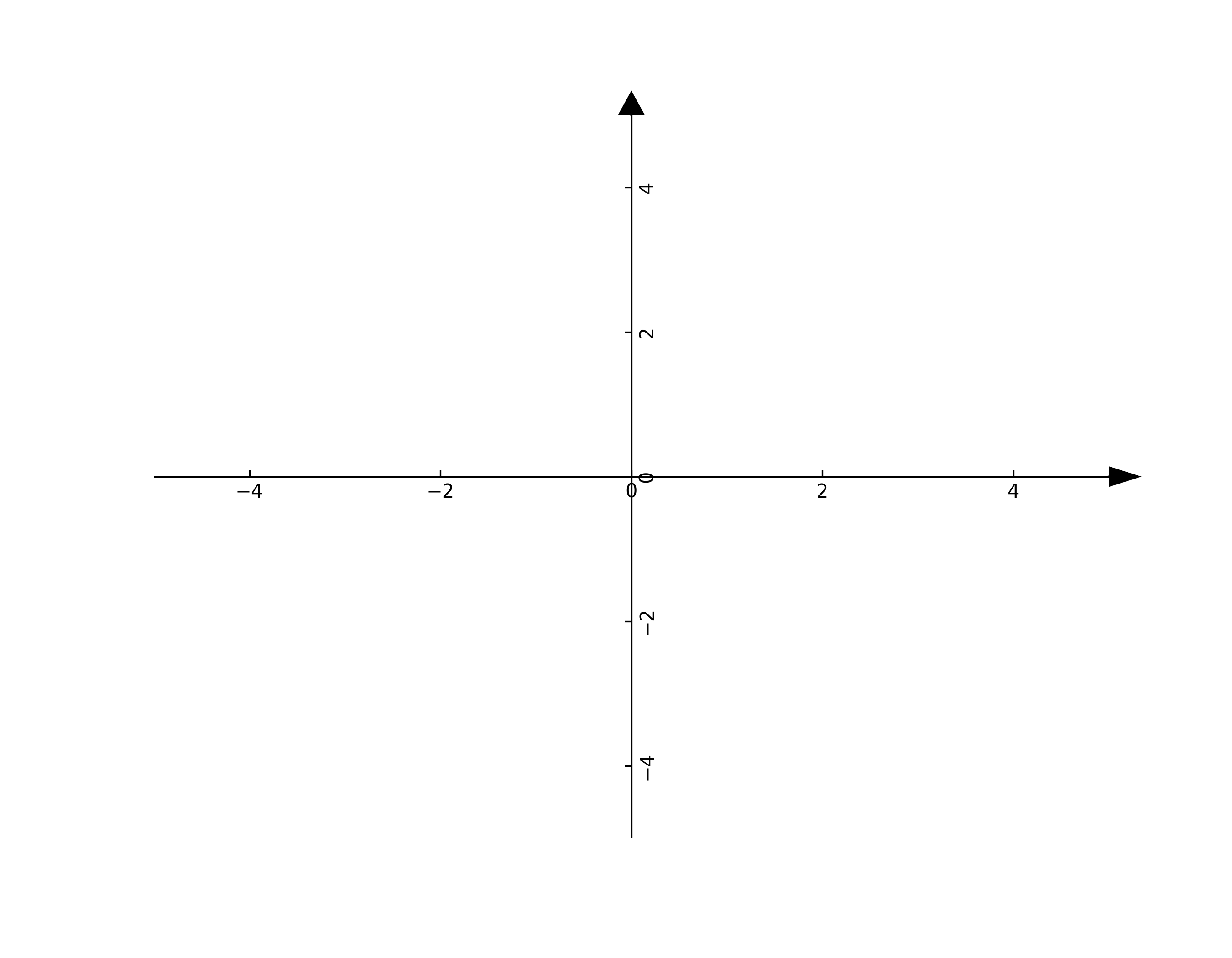
axes = Axes(xlim=(-5,5), ylim=(-5,5), figsize=(9,7))
axes.draw()
Which produces
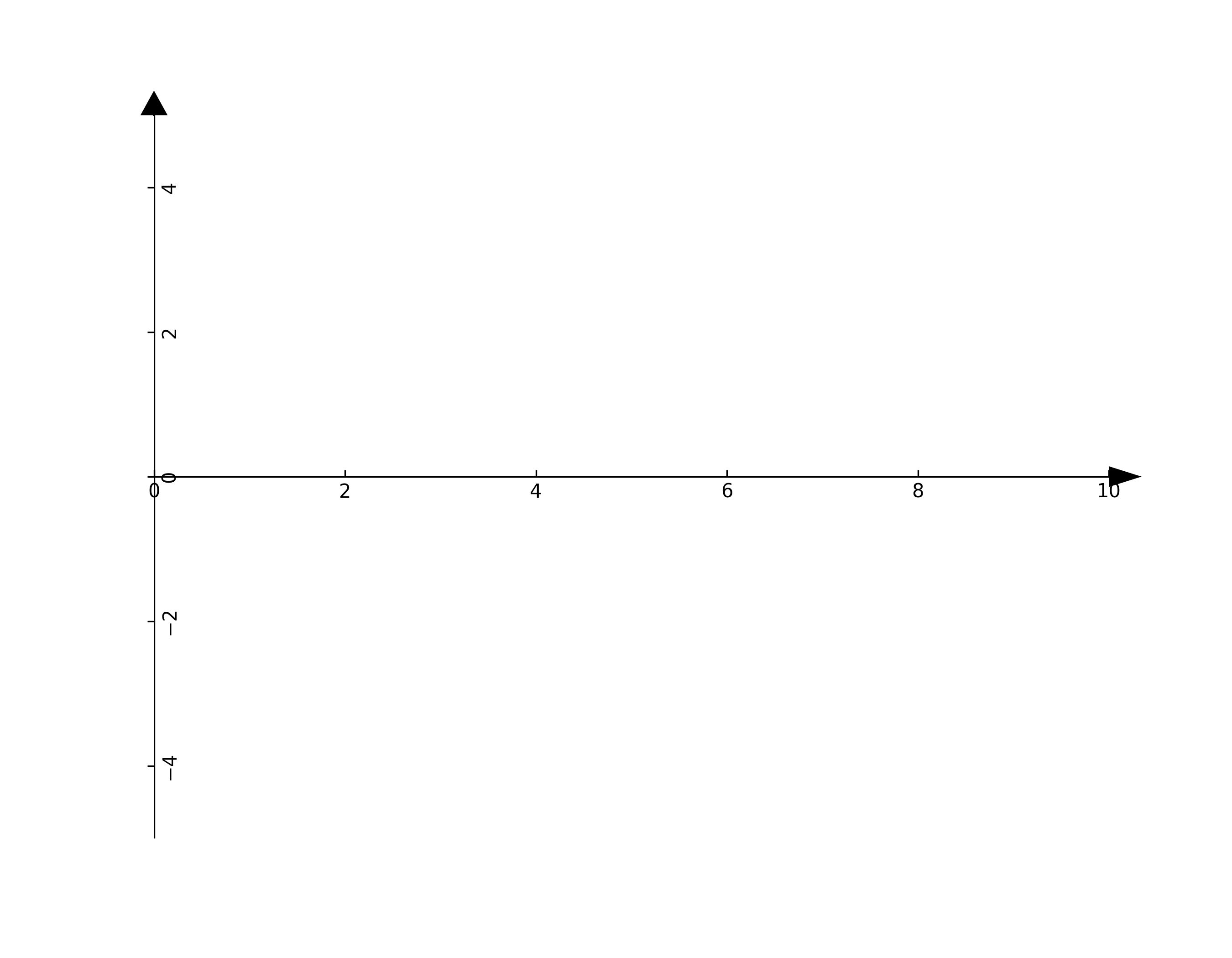
It is also very easy to change the axis limits
# Create the cartesian axis
axes = Axes(xlim=(0,10), ylim=(-5,5), figsize=(9,7))
axes.draw()